
Wallets & Security
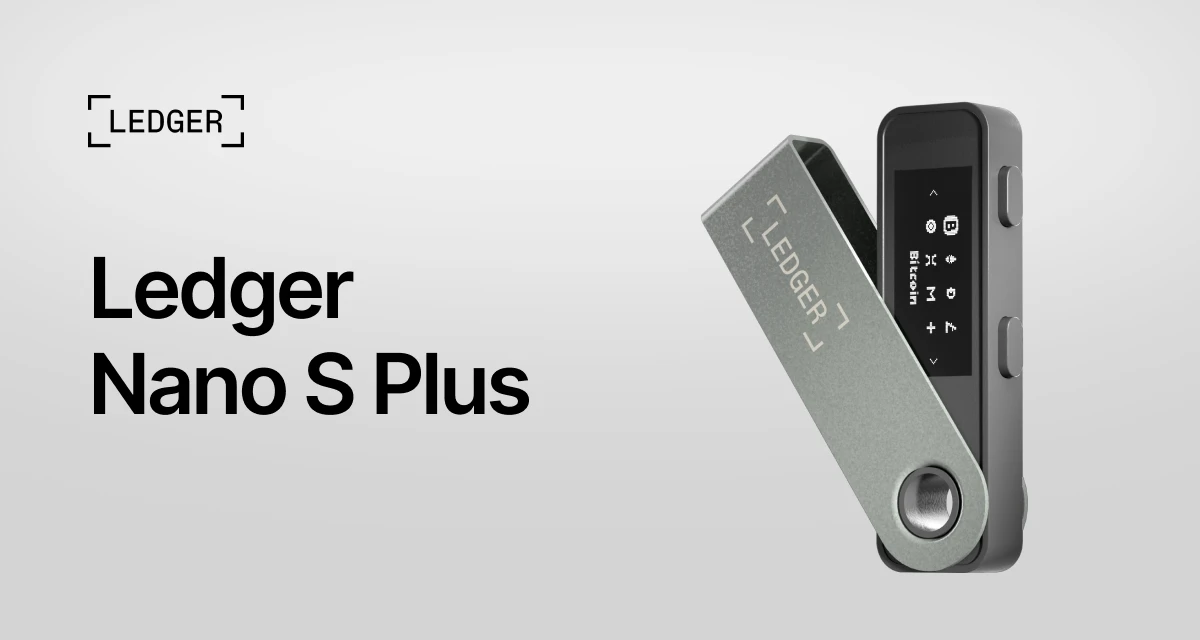
Ledger Nano S Plus
$82.80
A small hardware wallet that keeps your private keys offline and signs transactions on the device. It plugs into a computer or Android phone with USB-C and works with the Ledger Live app. The simple, stay-at-home choice — no Bluetooth, just a wired connection.
Buy Now opens the secure checkout preview. No payment is taken in demo.
Added — view cart
What it does
A compact, wired hardware wallet for self-custody. Your private keys are generated and kept offline on a certified secure chip inside the device, isolated from your computer and phone, so a transaction is only signed after you review and confirm it on the device screen.
It is the straightforward, stay-at-home model in its line:
- Manages a wide range of assets — 500+ coins directly in its companion app, thousands more coins, tokens and NFTs through compatible third-party wallets, with up to 100 coin apps installed on the device at once.
- Clear Signing support, so supported transactions are shown in readable terms on screen rather than as raw code.
- Transaction Check support, which flags common scam patterns before you sign.
- Can also work as a hardware security key for passkey and two-factor logins on supported platforms.
- If the device is lost or broken, the accounts are not: access is restored on a replacement device with the recovery phrase.
How it's used
- Unbox the device and install its companion app on your computer or Android phone.
- Connect the device with the included USB-C cable, choose create a new wallet, and follow the on-screen setup.
- Set a PIN — entering the wrong PIN three times in a row resets the device, so the phrase backup matters.
- Write down the recovery phrase exactly as shown, on the included recovery sheets or on a metal backup, and store it offline, away from the device.
- Add accounts in the companion app and install the coin apps for the assets you want to manage.
Everyday use: connect by USB-C whenever you want to transact. To receive, generate an address in the app and check it matches on the device screen before sharing it. To send or swap, start the transaction in the app, then read the amount and destination on the device screen and confirm on the device — nothing is signed without that confirmation.
Key specs
- Connectivity: USB-C, for desktop and Android use — no Bluetooth, no NFC
- Screen: 1.1-inch monochrome OLED display, 128 x 64 px, button-operated
- Secure element: certified CC EAL6+, running the maker's own secure operating system
- Finish: brushed stainless steel and plastic
- Size: 62.4 x 17.4 x 8.2 mm
- Weight: 20.7 g
- Battery: none — powered over USB-C
- Supported systems: 64-bit Windows 10/11, macOS (Monterey/Ventura), Ubuntu LTS 20.04/22.04 (excluding ARM processors), Android 10+
- Asset support: 500+ coins in the companion app; thousands of coins, tokens and NFTs via third-party wallets; up to 100 apps installed
- In the box: 1 device, 1 USB-C to USB-A cable, 3 recovery sheets, 1 keychain strap, 1 safety and regulatory leaflet
Good to know
A wired model: it works with desktop computers and Android phones, but not with iPhones, and it is not compatible with Chromebook laptops or suitable for mining. Keep the recovery phrase offline and private — anyone who has it can restore the wallet, and if you lose both the device and the phrase, access cannot be recovered. Only install the companion app from a trusted source and check addresses on the device screen, not only on the computer screen.