
Vehicle & Auto
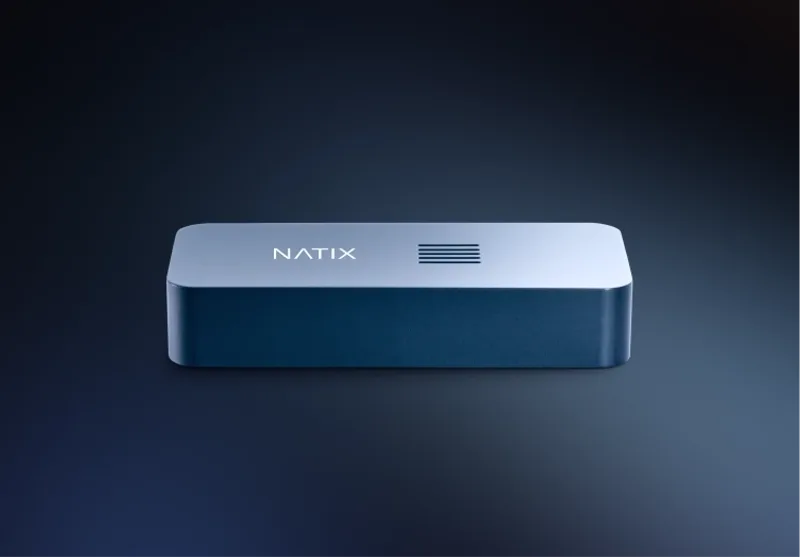
NATIX VX360
$454.80
The NATIX VX360 is a 256 GB device that plugs into your Tesla's glovebox USB port. It stores Dashcam and Sentry footage and backs it up to your personal cloud, viewed in the companion app. It works with Teslas built in 2021 and newer.
Buy Now opens the secure checkout preview. No payment is taken in demo.
Added — view cart
What it does
The VX360 is a plug-in storage and data device for compatible electric vehicles from a single maker. It connects to the vehicle's glovebox USB port and works with the car's existing external cameras — front, side (repeater / pillar) and rear, giving a surround view — with no access to the cabin camera. It stores the car's dashcam driving footage and parked surveillance (sentry) footage directly on the device, then backs footage up automatically to your personal cloud space whenever it connects to a known Wi-Fi network, so you do not need to unplug it to get your recordings. In its companion app you can view, share and download your trip and surveillance recordings, check storage in real time as you drive, and manage footage kept in the cloud. Footage you choose to share onward is processed before use: computer-vision anonymisation blurs personally identifiable information such as faces and licence plates, only driving footage with specific events is used (parked footage and footage from your configured private zones are not collected for that use), and the shared street-level imagery is used to identify and map features such as traffic signs, traffic lights and road conditions, and to build realistic driving scenarios for autonomous-driving development. You can also retrieve files directly by unplugging the device and connecting it to a computer.
How it's used
- Check your vehicle is a supported model and year: Model 3, Model Y, Model S (2021 and newer), Model X (2021 and newer) or Cybertruck. Only models from 2021 onward are supported.
- Connect the VX360 to the glovebox USB port using the cable provided. No additional tools or technical expertise are required.
- Download its companion mobile app for iOS or Android and register an account, which takes a couple of minutes.
- Pair the app with the device over Bluetooth, following the in-app instructions.
- Use the app to connect the device to your home or preferred Wi-Fi network, so uploads can happen automatically.
- Drive normally while the vehicle's cameras record to the device, and set up any private zones (a radius around your home, office or other private places) in the app where you do not want data collected.
- When parked within range of a known Wi-Fi network, open the app to confirm footage has uploaded to your cloud space and view your recordings.
Everyday use: The device sits in the glovebox and records in the background as you drive, capturing dashcam and surveillance footage from the car's four external cameras. When the car is parked on a known Wi-Fi network (for most owners, at home), footage uploads automatically to your personal cloud space. In the app you can watch, download and share recordings for purposes such as incident documentation or managing more than one vehicle, and follow how much storage is in use. Cloud copies are kept for 30 days and are then automatically removed to make space for new recordings, so download anything you need to keep for longer within that window. If you prefer not to use the cloud for a particular recording, unplug the device and copy the files directly to a computer instead.
Key specs
- Compatibility: Model 3, Model Y, Model S (2021 and newer), Model X (2021 and newer), Cybertruck; only models released in 2021 and onwards are supported
- Connection: glovebox USB port, using the cable provided
- Storage: 256 GB on-device storage
- Recording capacity: more than 20 hours of video recordings from the car's 4 external cameras
- Cameras used: front, side (repeater / pillar) and rear external cameras only; no access to the internal / cabin camera
- Footage types: dashcam driving footage, parked surveillance (sentry) footage, and automatic driving footage, based on your preferences
- Cloud backup: automatic upload to your personal cloud space when connected to a known Wi-Fi network; footage accessible in the app for 30 days, then automatically removed
- Processor / onboard compute: quad-core Arm Cortex-A7
- Positioning: L1-band GNSS module
- Connectivity: Wi-Fi, low-power Bluetooth, Micro USB port
- Companion app: available for iOS and Android; includes cloud storage access, social sharing and a gamified experience
- Privacy processing: AI / computer-vision anonymisation blurring faces and licence plates in shared footage; user-defined private zones (listed as coming soon); no collection for shared use while parked or inside private zones
Good to know
No formal itemised in-the-box contents list is published beyond the connection cable provided. This device only works with the listed models from the one vehicle maker, and only with models from 2021 onward; it does not work with other brands or older models. It depends on the car's own camera and recording systems being enabled and working; it stores and backs up that footage, it is not a standalone camera. Cloud backup needs the car to park within range of a Wi-Fi network you have connected the device to, and cloud copies are deleted automatically after 30 days. Companion app availability is limited to a listed set of countries and regions, so check that your country is supported before ordering. Direct file access is also possible by unplugging the device and connecting it to a computer. Keep the device connected in the glovebox for continuous recording; removing it stops new footage from being stored on it.