
Wallets & Security
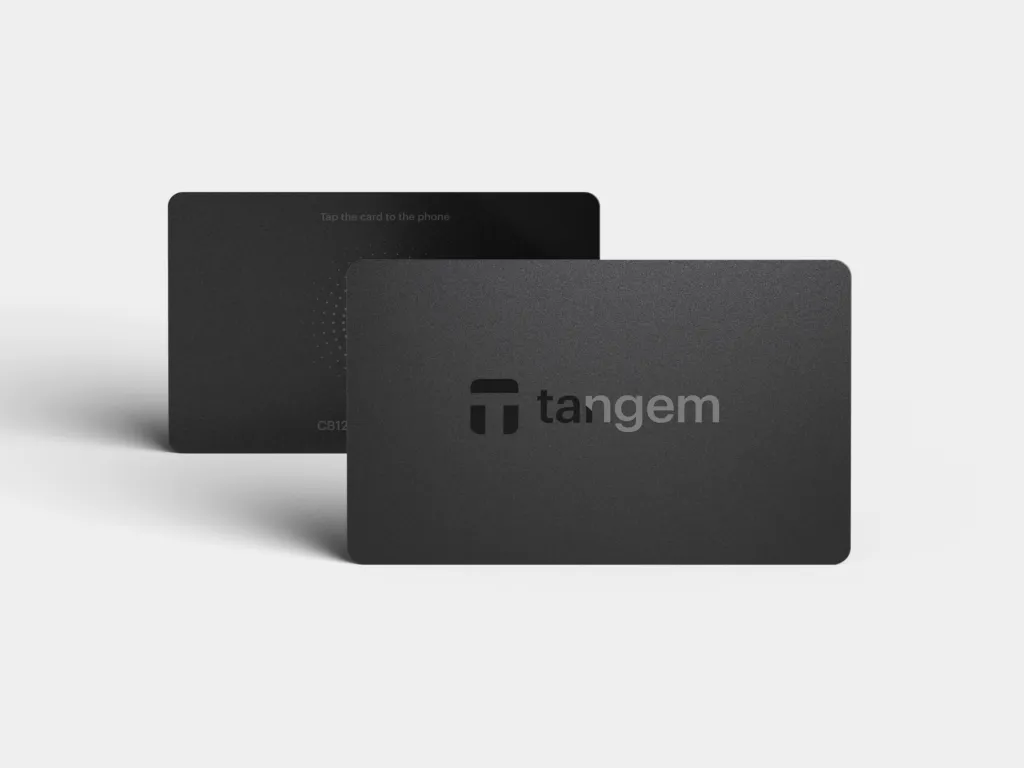
Tangem Wallet — 2-Card Set
$65.88
Two cards that hold the same key: one to use, one as backup. Tap a card to your phone to sign transactions — no cable, no battery, no seed phrase to write down. If one card is lost, the other still opens your wallet.
Buy Now opens the secure checkout preview. No payment is taken in demo.
Added — view cart
What it does
A hardware wallet that lives on two bank-style cards instead of a screened device. Each card contains a secure chip that generates and stores the same private key, and the key never leaves the chip. There is no screen, battery, cable or charging: the card is powered by your phone's NFC field, and tapping the card to the phone is how you approve and sign in the companion mobile app.
Feature coverage:
- Seedless by design — by default there is no recovery phrase to write down or store. The backup is the second card. On current cards, a seed phrase is available as an optional alternative for users who prefer one, including generating one or importing an existing wallet.
- Full self-custody — no company, bank or exchange can access, freeze or restrict the assets, and no servers run your transactions: it is the card, the phone and the blockchain.
- Genuine-card checking — the app authenticates each card and warns if a card was already activated.
- Independently audited firmware, verified by external security labs.
- Built to last in a wallet or purse — a single chip with an antenna, no fragile parts, resistant to water, dust, X-rays, electromagnetic pulses and electrostatic discharge.
- Manages a very wide range of assets in the app, with portfolio tracking, and access to decentralised apps and services through a standard wallet-connection protocol, where offered.
How it's used
- Install the companion app on an NFC-enabled phone.
- Open the app, tap the first card to the back of the phone, and create a new wallet — the chip generates the private key inside the card.
- Set an access code to protect the wallet against unauthorised use.
- Link the second card during the same setup, when the app asks you to connect the backup card — the key is copied between cards over an encrypted connection at this stage.
- If you want the optional seed-phrase method instead, choose it during setup and store any phrase written down offline and privately.
- Store the two cards in separate safe places — keeping both together defeats the purpose of the backup.
Everyday use: open the app to check balances and activity without the card. To receive, show the address from the app. To send, swap or change wallet settings, start in the app and tap a card to the phone to confirm and sign — either card works, because both hold the same key.
Key specs
- Contents: 2 cards holding the same wallet (1 primary, 1 backup)
- Form: credit-card-sized card, chip with antenna — no screen, buttons or ports
- Connectivity: NFC only — no Bluetooth, Wi-Fi or USB
- Secure element: certified CC EAL6+
- Battery: none — powered by the phone's NFC module, nothing to charge
- Protection: IP69K dust and water rating
- Operating range: -25°C to +50°C
- Hazard resistance: X-rays, electromagnetic pulses and electrostatic discharge, per the relevant card standard
- Systems: mobile only — a phone with full NFC support, running a recent version of iOS or Android 6.0 or higher (some very old phone models are excluded)
- Asset support: 14,100+ tokens across 90+ networks
- Warranty: 25-year warranty, based on the chip's rated lifetime
Good to know
There is no desktop or web version: a compatible NFC phone is required for setup and signing. Backup cards must be linked during the original setup — you cannot add another card to the set afterwards, so do not skip that step. The access code matters: with only two cards, losing one card and forgetting the access code can leave you unable to reset it or recover the wallet. And if every card is lost or destroyed and you chose not to create a seed phrase, the funds cannot be recovered by anyone. A card shows no transaction details itself, so always read the transaction carefully in the app before tapping to sign.