
Wallets & Security
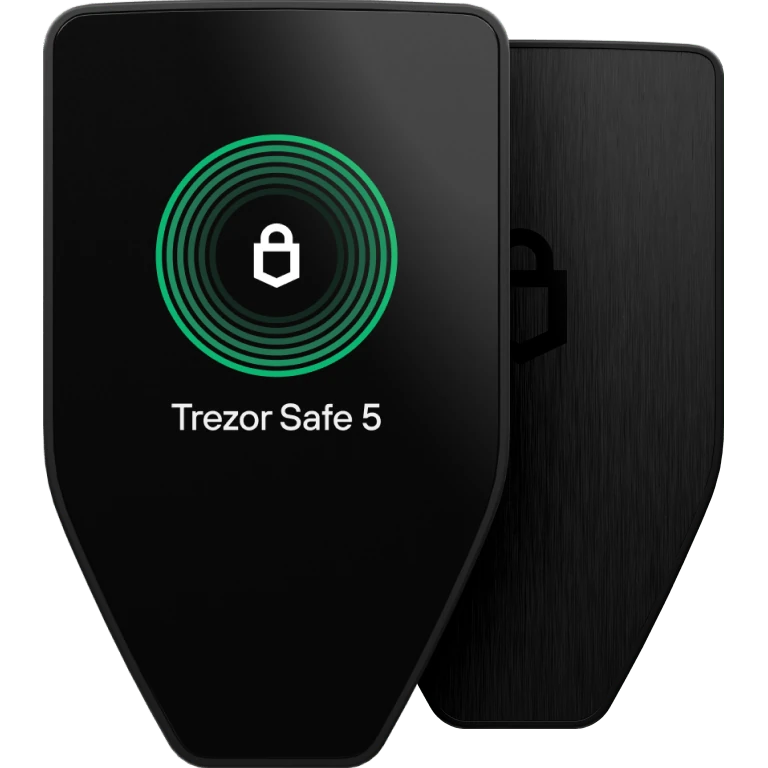
Trezor Safe 5
$154.80
The Trezor Safe 5 is a hardware wallet that keeps your crypto keys offline and confirms each transaction on its touchscreen. It has a 1.54-inch colour screen with haptics and Gorilla Glass, and works with the Trezor Suite app. The price excludes tax and customs.
Buy Now opens the secure checkout preview. No payment is taken in demo.
Added — view cart
What it does
A hardware wallet centred on a colour touchscreen, for a more comfortable version of the same self-custody model: keys stay on the device, and every transaction is reviewed and confirmed on the device. It combines an open-source design with a certified secure element, PIN and passphrase entry directly on the touchscreen, and tactile feedback so each tap and confirmation is physically felt.
Feature coverage:
- A vibrant colour touchscreen with haptic feedback for navigation, PIN and passphrase entry, recovery and confirmations.
- Reinforced glass screen protection for scratch and damage resistance.
- Secure element protection alongside open-source firmware and hardware design.
- A modern wallet backup for recovery, clearer and more flexible than a single written word list.
- Tamper-evident casing and packaging and device security seals.
- A microSD card slot, used by supported device features such as encrypted storage functions.
- Manages thousands of coins and tokens through its companion app on desktop and mobile.
- A Bitcoin-only firmware edition exists; this listing is the universal model.
How it's used
- Unbox the device and check the packaging and device security seals before use.
- Install its companion app on your computer or phone from a trusted source.
- Connect the device with the included USB-C cable and follow the setup, installing firmware through the companion app when prompted.
- Create a new wallet and set a PIN on the touchscreen. Add a passphrase only if you understand the recovery consequences of forgetting it.
- Write down the wallet backup exactly as shown, on paper or a metal backup, and store it offline.
Everyday use: connect by USB-C and open the companion app. To receive, generate an address in the app and verify it on the touchscreen. To send, start in the app, then review the full details on the colour touchscreen and confirm by touch — the haptic feedback confirms each interaction as you go.
Key specs
- Connectivity: USB-C (USB-C to USB-C cable included in the box), plus a microSD card slot
- Screen: 1.54-inch colour touchscreen, 240 x 240 px, reinforced glass, with haptic feedback
- Secure element: certified CC EAL6+
- Processor: 160 MHz ARM Cortex-M33
- Body: durable PC-ABS plastic with tamper-evident casing and anodised aluminium backplate
- Size: 65.9 x 40 x 8 mm
- Weight: 23 g
- Battery: none — powered over USB-C
- Operating temperature: -20°C to +60°C
- Certifications: CE and RoHS; X-rays do not harm the device
- Asset support: thousands of coins and tokens via its companion app
Good to know
Wired only: no Bluetooth, no Wi-Fi and no battery, so the device must be plugged in over USB-C to sign. Phone support is more limited than desktop support on some platforms — confirm the companion app's current phone support for your device before buying for phone-only use. A forgotten passphrase cannot be recovered by anyone, even with the main backup. Keep the backup offline, and do not use a device whose seals were already broken when it arrived.